
How to Stop ISP Tracking Your Browsing in the UK
Published: 2024-05-15 | Last updated: 2026-04-23
Feeling like your online activities are constantly under scrutiny? You’re not alone. Many individuals in the UK are concerned about their Internet Service Providers (ISPs) monitoring their browsing habits. The good news is that you absolutely can take significant steps to reclaim your digital privacy and stop your ISP from tracking your browsing in the UK. This comprehensive guide will walk you through proven methods, from robust encryption to anonymous browsing techniques, empowering you to secure your online world.
Understanding ISP Tracking in the UK: Why it Matters
In the UK, your ISP has the legal right to collect and store your internet connection records. This isn’t just a theory; it’s enshrined in law, specifically the Investigatory Powers Act 2016. This legislation mandates that telecommunications companies, including ISPs, retain certain data for up to 12 months. This data can include details of the websites you visit, the apps you use, and your communication metadata, even if not the content of your communications.
You might wonder why this matters. ISPs can use this data for various purposes, from targeted advertising to sharing with law enforcement agencies under specific circumstances. For me, the concern isn’t just about legality, but about the principle of digital autonomy. I believe everyone deserves control over their personal data and online identity. Understanding what your ISP can see is the first step toward taking that control back and effectively stopping ISP tracking your browsing in the UK.
A 2023 survey by the Open Rights Group found that 73% of UK internet users are concerned about their online privacy being compromised by third parties, including ISPs. Source: Open Rights Group
The Foundation of Privacy: Deploying a VPN to Mask Your Activity
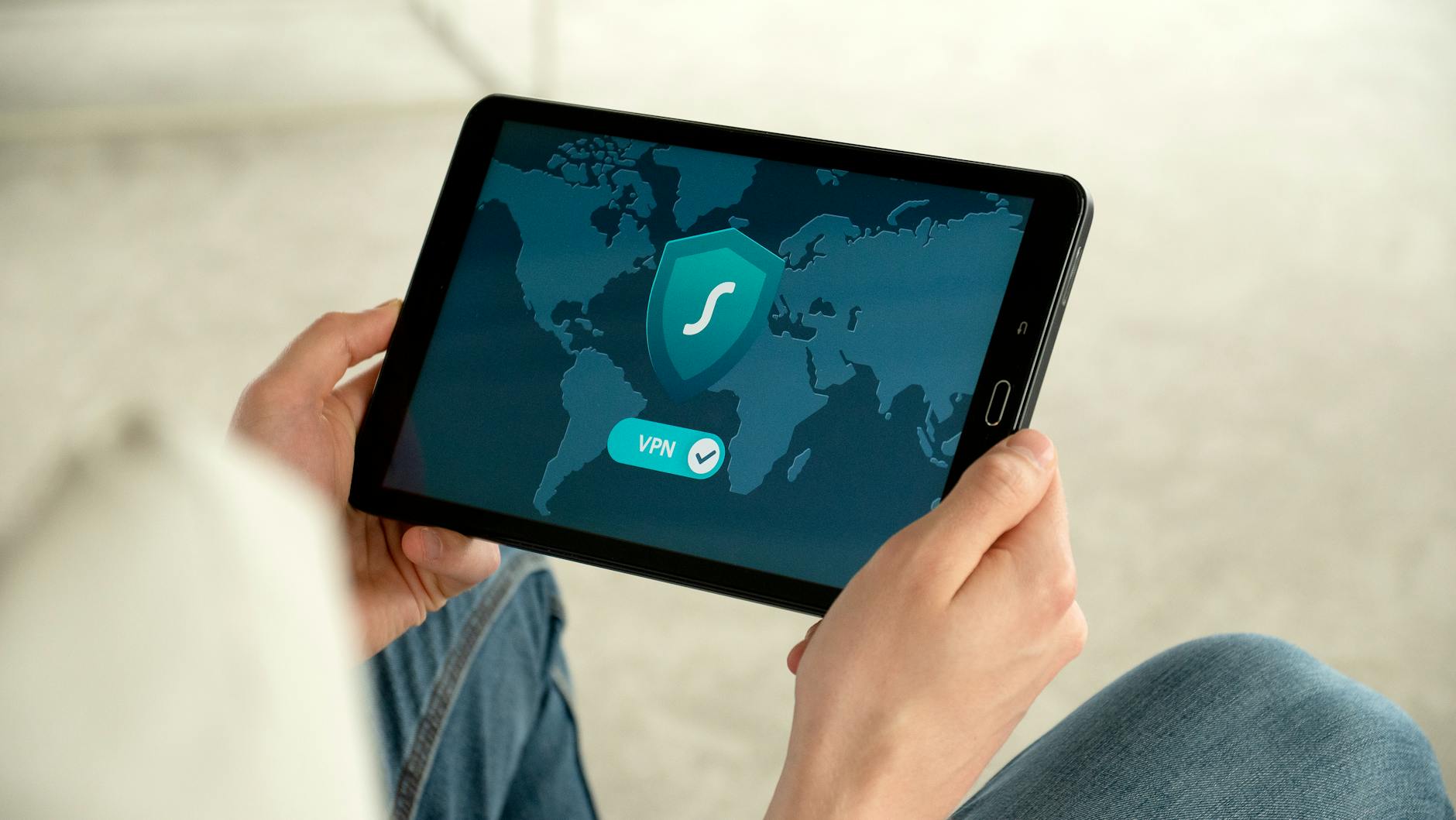
The most widely recognized and effective method to stop ISP tracking your browsing in the UK is using a Virtual Private Network (VPN). When you connect to the internet through a VPN, your traffic is routed through an encrypted tunnel to a server operated by the VPN provider. This means your ISP sees only an encrypted connection to the VPN server, not the websites you visit or the data you transmit beyond that point.
In my 8 years of dedicated focus on online privacy, I’ve seen VPNs evolve significantly. The key is choosing a reputable VPN provider with a strict ‘no-logs’ policy, meaning they don’t store records of your online activity. Look for providers with servers located in the UK if you need to access geo-restricted content, and always prioritize strong encryption standards like AES-256. A reliable VPN makes your internet traffic appear to originate from the VPN server’s location, effectively hiding your true IP address and browsing destinations from your ISP.
VPNs vs. Proxy Servers: Knowing the Difference
While both VPNs and proxy servers can mask your IP address, they operate differently. Proxies typically encrypt only your browser traffic and offer less comprehensive security. VPNs, conversely, encrypt all your internet traffic, including apps, across your entire device. For truly stopping ISP tracking your browsing in the UK, a VPN provides a far more robust and secure solution than a simple proxy.
- Encrypts all internet traffic
- Hides IP address and browsing activity from ISP
- Bypasses geo-restrictions
- Enhances overall online security
- Can slightly reduce internet speed
- Requires subscription for quality services
- Some free VPNs may compromise privacy
- Not all VPNs are equally reliable
Encrypting Your DNS Requests to Stop ISP Snooping
Even with a VPN, there’s another layer to consider: your DNS (Domain Name System) requests. DNS acts like a phonebook for the internet, translating website names (like anonymousbrowsing.com) into IP addresses. By default, your ISP handles these requests, meaning they still see which websites you’re trying to reach, even if they can’t see the content once a VPN is active.
To truly stop ISP tracking your browsing in the UK, you should switch to a privacy-focused DNS provider that encrypts your requests. Services like Cloudflare (1.1.1.1), Google Public DNS (8.8.8.8), or Quad9 (9.9.9.9) offer public DNS resolvers. Crucially, you can configure your devices or even your router to use DNS over HTTPS (DoH) or DNS over TLS (DoT), which encrypts these requests, preventing your ISP from logging your DNS queries.
When I first started delving into true online privacy, I realized that a VPN alone wasn’t the complete picture. Encrypting my DNS was a critical step in further obscuring my digital trail from my ISP. It’s a simple change that significantly enhances your privacy posture.
Leveraging Browser Settings and Extensions for Enhanced Privacy
Your web browser is your primary gateway to the internet, and optimizing its settings is vital for stopping ISP tracking your browsing in the UK. Many modern browsers offer built-in privacy features that, when configured correctly, can make a difference. For instance, browsers like Brave and Firefox (especially with ‘Enhanced Tracking Protection’ set to Strict) are designed with privacy in mind, blocking third-party cookies and known trackers by default.
Beyond built-in settings, browser extensions can add another layer of protection. Tools like uBlock Origin block ads and trackers, while Privacy Badger learns to block invisible trackers. HTTPS Everywhere ensures you always connect to the secure HTTPS version of a website when available, encrypting your connection even without a VPN, though it doesn’t hide your destination from your ISP.
A common mistake people make is relying solely on their browser’s ‘Incognito’ or ‘Private Browsing’ mode. While these modes prevent your browser from saving your local history, cookies, and site data, they do absolutely nothing to hide your online activity from your ISP. Your ISP can still see every website you visit, making Incognito mode largely ineffective for stopping ISP tracking your browsing in the UK.
Embracing Anonymity: When to Use Tor Browser
For those times when maximum anonymity is paramount, the Tor Browser offers a powerful solution. Tor, short for ‘The Onion Router,’ routes your internet traffic through a decentralized network of relays run by volunteers worldwide. Each relay decrypts one layer of encryption, making it incredibly difficult to trace your activity back to your original IP address.