
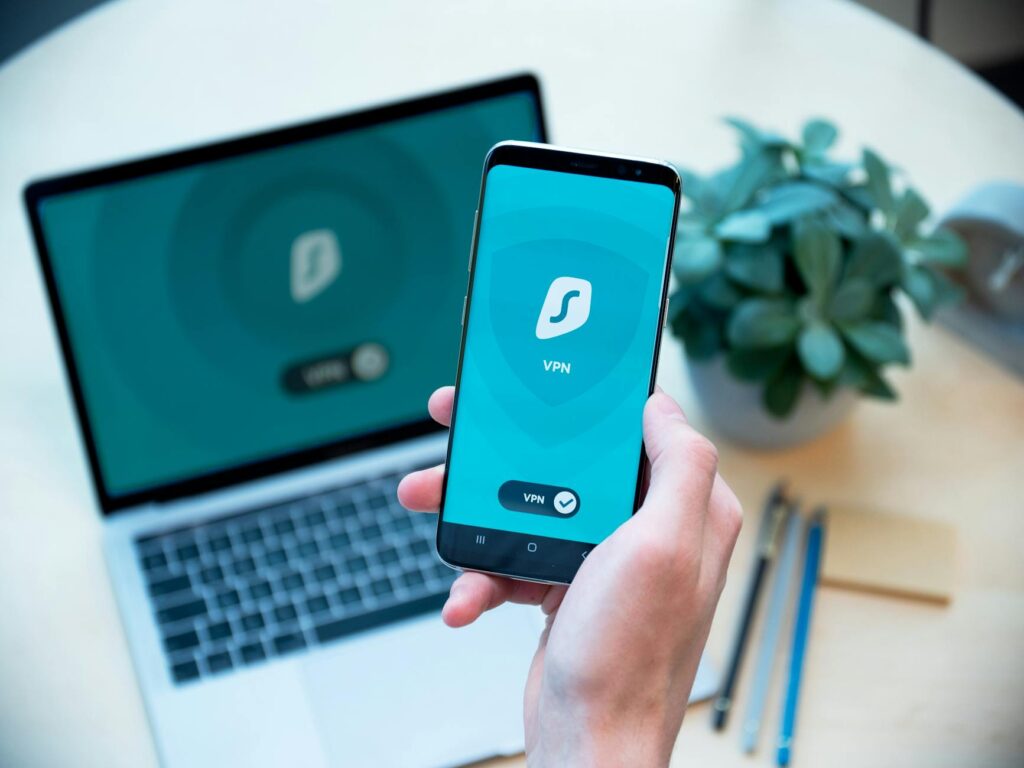
Want to stay private online in the UK in 2026? The most effective strategy involves a combination of privacy-focused browsers, a trusted no-logs VPN, solid tracker blocking, end-to-end encrypted messaging, and diligent account security settings, all supported by sound digital habits. This layered approach reduces online tracking, minimises your digital footprint, and makes it considerably more challenging for advertisers, data brokers, and malicious actors to monitor your activities.
Latest Update (April 2026)
Recent developments highlight a growing concern among UK citizens regarding online data usage, with regulatory bodies like the Information Commissioner’s Office (ICO) continuing to monitor data practices. The ongoing evolution of online services, from banking to healthcare via the NHS app, necessitates a proactive approach to digital privacy. And — the implementation of new legislation, such as aspects of the Online Safety Act, continues to shape the digital landscape, impacting how personal data is handled and protected. As reported by the BBC, the Online Safety Act aims to enhance online safety, especially for children, but its broader implications for user privacy are still being assessed. Independent analyses continue to scrutinise app permissions, with users frequently granting access to more data than is strictly necessary for an app’s core functionality, underscoring the need for constant vigilance. As of April 2026, the ICO remains a key authority, issuing guidance and enforcing data protection laws like the UK GDPR.
What does it mean to stay private online in the UK?
Staying private online in the UK means actively limiting the amount of personal data that companies, advertisers, applications, and potential attackers can collect about you. It’s not about achieving complete invisibility, but rather about making it more difficult to link your identity, online habits, geographical location, and communications. In practical terms, this involves reducing pervasive tracking, masking your IP address when appropriate, utilising encrypted communication channels, and being mindful of the information you share publicly.
For UK residents, legal framework is really important. This includes the UK General Data Protection Regulation (UK GDPR), the Data Protection Act 2018, and the Privacy and Electronic Communications Regulations (PECR). These regulations govern how personal data can be collected, processed, and stored, providing a legal basis for your privacy rights. The ICO is responsible for enforcing these regulations, and users can report breaches or concerns to them.
It’s essential to distinguish between privacy and security. Privacy is concerned with who has access to your data and how it’s used, while security focuses on protecting your data from unauthorised access or breaches. Both are critical. a secure account can still be compromised by excessive data leakage through cookies or app permissions, and a private account with a weak password is vulnerable to hacking. Users must employ both strong security measures and privacy-conscious practices.
Privacy is also context-dependent and regional. The specific ways in which UK-based services – including banking applications, NHS digital services, telecommunications providers, and government portals – collect and utilise data can differ from services in other regions. Therefore, an effective privacy strategy must be tailored to the UK’s unique digital ecosystem, rather than relying solely on generic international advice.
Why does privacy matter more for UK residents in 2026?
The importance of online privacy for UK residents continues to escalate in 2026 due to the increasing digitisation of everyday life. Essential services such as online banking, e-commerce, digital government services, healthcare access through apps, and remote work tools all contribute to a growing digital profile. Each interaction, transaction, and service used can generate data points that contribute to a complete understanding of an individual’s life. Reports from consumer advocacy groups highlight the sheer volume of data collected by many popular online platforms.
The digital advertising industry, alongside app developers and data brokers, constantly seeks user data to refine targeting and analytics. Information as seemingly innocuous as your postcode, device type, browsing history, and real-time location can be aggregated to create detailed user profiles, often identifiable even without explicit personal identifiers. Studies suggest that patterns in online behaviour can be highly distinctive, allowing for sophisticated profiling.
Public Wi-Fi networks and mobile data usage remain significant vulnerabilities. Unsecured networks in cafes, train stations, or airports can expose sensitive metadata if users aren’t taking precautions. Similarly, mobile applications often request extensive permissions, including location access — which can lead to far greater data disclosure than users might realise. According to independent analyses of app permissions, users frequently grant access to more data than is strictly necessary for the app’s core functionality. This has led to increased scrutiny from the ICO and consumer watchdogs.
The evolving regulatory landscape, including ongoing adjustments and enforcement of the Online Safety Act, also highlights the need for user awareness. As GOV.UK recently explained regarding changes to the Online Safety Act in August 2025, the legislation aims to protect users, especially children, from harmful content, but its impact on the broader spectrum of online privacy and data handling practices is a subject of continuous evaluation. The ExpressVPN blog, in a guide published in December 2025, also touched upon the safety of platforms like Quora, highlighting that even seemingly innocuous sites require users to be mindful of their privacy settings.
Best Steps to Stay Private Online in the UK
Adopting a layered approach to online privacy is the most effective strategy. Prioritising high-impact changes first will yield the most significant improvements, followed by smaller, supplementary tweaks. By implementing these steps, you can reduce routine tracking and minimise your exposure to data breaches and invasive profiling.
1. Utilise Privacy-Focused Browsers
Switching from mainstream browsers like Chrome or Edge to more privacy-oriented options is a fundamental step. Browsers such as Mozilla Firefox and Brave offer advanced privacy features out-of-the-box, including enhanced tracking protection and built-in ad blockers. Firefox’s Enhanced Tracking Protection, for example, blocks a wide array of trackers by default, categorising them and offering different levels of protection. Brave takes this further with its default ad and tracker blocking, coupled with a unique privacy-focused advertising model that rewards users for viewing ads.
2. Configure Browser Settings for Enhanced Privacy
Beyond choosing a privacy-focused browser, optimising its settings is vital. Enable the strictest available tracking protection. Block all third-party cookies, as these are primary tools for cross-site tracking. Consider using privacy extensions like uBlock Origin (for Firefox and Chrome) for more aggressive ad and tracker blocking, or Privacy Badger — which learns to block invisible trackers. Regularly clear your browser’s cache and cookies, or configure it to do so automatically upon closing.
3. Employ a Reputable No-Logs VPN
A Virtual Private Network (VPN) is an essential tool for masking your IP address and encrypting your internet traffic. For UK residents, this is especially important when using public Wi-Fi or wanting to prevent your Internet Service Provider (ISP) from monitoring your online activity. When selecting a VPN, prioritise providers with a strict no-logs policy, meaning they don’t record your online activities. TechRadar’s research in October 2025 highlighted several leading no-log VPNs based on expert analysis, emphasising the importance of independent audits to verify these claims. Look for VPNs based in privacy-friendly jurisdictions and offering strong encryption protocols (like OpenVPN or WireGuard). Remember, a VPN protects your connection but doesn’t make you anonymous on websites where you log in.
4. Implement solid Tracker Blocking
Tracker blocking goes beyond browser settings. Services like DuckDuckGo offer privacy-focused search engines and browser extensions that block trackers across various websites. Some DNS services, like Cloudflare’s 1.1.1.1 for Families, offer DNS-level filtering to block adult content and malware — which indirectly enhances privacy by preventing access to malicious sites. Consider using a network-level ad blocker or a Pi-hole if you’re technically inclined, to block ads and trackers for all devices on your home network.
5. Use End-to-End Encrypted Messaging
For private communications, end-to-end encryption (E2EE) is non-negotiable. This ensures that only the sender and intended recipient can read messages. Services like Signal and WhatsApp (which uses Signal’s protocol) offer E2EE by default for chats and calls. Be aware of the metadata that messaging apps might still collect, such as contact lists or connection times. For highly sensitive communications, consider encrypted email services like ProtonMail or Tutanota — which also offer E2EE options.
6. Secure Your Online Accounts Diligently
Account security is a cornerstone of online privacy. Use strong, unique passwords for every online service. A password manager, such as Bitwarden or 1Password, can generate and store these complex passwords securely. Enable Two-Factor Authentication (2FA) or Multi-Factor Authentication (MFA) wherever available. This adds an extra layer of security, requiring a second form of verification beyond your password, reducing the risk of unauthorised access even if your password is compromised.
7. Practice Mindful Data Sharing
Be conscious of the information you share online. Review privacy settings on social media platforms regularly. Limit the amount of personal information you make public on profiles. Think twice before filling out online forms or granting permissions to apps. Understand that ‘free’ online services are often funded by your data. The UK’s Data Protection Act 2018 grants you rights regarding your data, but proactive caution is the first line of defence.
8. Understand UK Specific Regulations
Familiarise yourself with UK data protection laws. The ICO provides extensive guidance on your rights under UK GDPR and PECR. Understanding how organisations in the UK are legally obligated to handle your data empowers you to make informed decisions and assert your privacy rights. For instance, you have the right to request access to the data companies hold about you and to ask for it to be deleted under certain circumstances. As reported by GOV.UK, the Online Safety Act further shapes the digital environment, although its direct impact on individual data privacy is still being clarified.
9. Regularly Review App Permissions
Mobile applications are notorious for requesting broad permissions. On both iOS and Android, regularly review which apps have access to your location, contacts, microphone, camera, and other sensitive data. Revoke permissions that aren’t essential for the app’s functionality. Many users, as noted in independent analyses, grant excessive permissions without realising the privacy implications.
10. Be Wary of Public Wi-Fi
Public Wi-Fi networks in places like cafes, airports, and train stations are often unsecured and can be easily monitored by malicious actors. Avoid accessing sensitive accounts (like online banking or email) or conducting financial transactions while connected to public Wi-Fi. If you must use public Wi-Fi, always use a VPN to encrypt your connection.
Frequently Asked Questions
what’s the ICO’s role in UK online privacy?
The Information Commissioner’s Office (ICO) is the UK’s independent regulatory body responsible for upholding information rights. They enforce data protection laws, including the UK GDPR and the Data Protection Act 2018, and investigate breaches. They also provide guidance to individuals and organisations on data protection and privacy matters.
Is using a VPN legal in the UK?
Yes, using a VPN is legal in the UK. However, the activities you conduct while using a VPN must still comply with UK law. Using a VPN to mask illegal activities is, of course, unlawful.
How can I check if my data has been breached?
You can check if your personal data has been involved in a data breach through services like ‘Have I Been Pwned?’ — which maintains a database of breaches. Companies are also legally obligated under UK GDPR to notify individuals if their personal data is affected by a significant breach.
What are the main risks of not staying private online?
The main risks include identity theft, financial fraud, targeted phishing attacks, reputational damage, unwanted surveillance, and the misuse of personal data for marketing or other purposes without your consent. Persistent tracking can also lead to discriminatory practices based on inferred user profiles.
How does the Online Safety Act affect my privacy?
The Online Safety Act primarily focuses on protecting users, especially children, from illegal and harmful online content. While its main aim isn’t to restrict individual privacy, its provisions for content moderation and data access by platforms could have indirect implications for how personal data is handled and accessed by tech companies — which are still being fully assessed.
Conclusion
Staying private online in the UK in 2026 requires a proactive, multi-faceted approach. By implementing the strategies outlined – from using privacy-focused browsers and VPNs to securing your accounts and understanding your rights under UK law – you can enhance your digital privacy. Continuous vigilance and adaptation to new technologies and regulations are key to maintaining control over your personal data in an increasingly connected world. Remember that privacy is an ongoing process, not a one-time fix.


