
ISP Tracking Prevention: Your Real-World Guide for 2026
Latest Update (April 2026): Recent reports confirm that ISPs continue to monetize user browsing data, making solid privacy measures more critical than ever. Technologies like VPNs and encrypted DNS are highlighted as essential tools for safeguarding online activity from provider surveillance. As Barchart.com reported in September 2025, some ISPs are actively selling browsing data to advertisers, underscoring the need for proactive prevention strategies. To prevent ISP tracking, use a quality VPN, enable DNS-over-HTTPS, configure browser privacy settings, and regularly clear cookies. These steps encrypt your traffic, obscure your browsing history from your internet service provider, and limit data collection, ensuring your online activities remain private and unmonitored. It’s about taking back control of your digital footprint, one practical step at a time. (Source: eff.org)
It often feels like someone’s always looking over your shoulder online. Advertisers, data brokers, and governments scrutinize our online actions. But one entity that holds a front-row seat to almost everything you do online is your Internet Service Provider (ISP). Preventing ISP tracking is a battle worth fighting—it’s about personal freedom, protecting sensitive information, and not wanting your every click logged and analyzed.
For example, a few years ago, someone researching a specific medical condition might have noticed targeted ads for related services appearing shortly after. This scenario is a common indicator that an ISP has logged browsing interests. This highlights why doubling down on ISP tracking prevention strategies is so important in 2026. Below are tried-and-true methods for safeguarding your privacy.
Table of Contents
- Why Does Your ISP Track You Anyway?
- The Big Guns: VPNs and DNS Encryption
- How VPNs Protect Your Privacy
- Securing Your DNS Queries
- Browser Settings: Your First Line of Defense
- Privacy Settings You Can’t Ignore
- The Power of Private Browsing Modes
- Beyond the Browser: Operating System &. Device Settings
- Common Mistakes to Avoid
- Real-World Scenarios: How to Stay Private
- Frequently Asked Questions About ISP Tracking Prevention
- Wrapping It Up: Take Back Your Privacy
Why Does Your ISP Track You Anyway?
Your ISP is the gateway to the internet. Every bit of data that flows into and out of your home or device passes through their servers. This gives them a unique vantage point. They can see which websites you visit (though not necessarily the specific pages if they’re encrypted with HTTPS), what time you visit them, how long you stay, and even your approximate location based on your IP address. ISPs track users for several reasons:
- Data Monetization: Your browsing habits are valuable. ISPs can anonymize and aggregate this data, then sell it to advertisers or market research firms. Reports from September 2025 indicated that some ISPs were actively engaged in this practice, as noted by Barchart.com.
- Targeted Advertising: By building a profile of your interests, they can serve you more relevant ads, often based on your past online activities.
- Compliance: In many regions, ISPs are legally required to log user activity for a certain period. This data may be retained for law enforcement purposes or national security requirements.
- Network Optimization: Tracking can be used to understand traffic patterns, identify bottlenecks, and optimize their network infrastructure for better service delivery.
A 2017 study highlighted that 79% of Americans were concerned about their internet service provider collecting and selling their personal data. (Source: EFF) This concern is legitimate, and as of April 2026, reports continue to surface about ISP data practices, reinforcing the need for user vigilance.
The Big Guns: VPNs and DNS Encryption
Virtual Private Networks (VPNs) and encrypted DNS are essential tools. They work by encrypting your internet traffic and routing it through external servers, making it harder for your ISP to decipher your online activities. These technologies create a secure tunnel for your data, shielding it from prying eyes.
How VPNs Protect Your Privacy
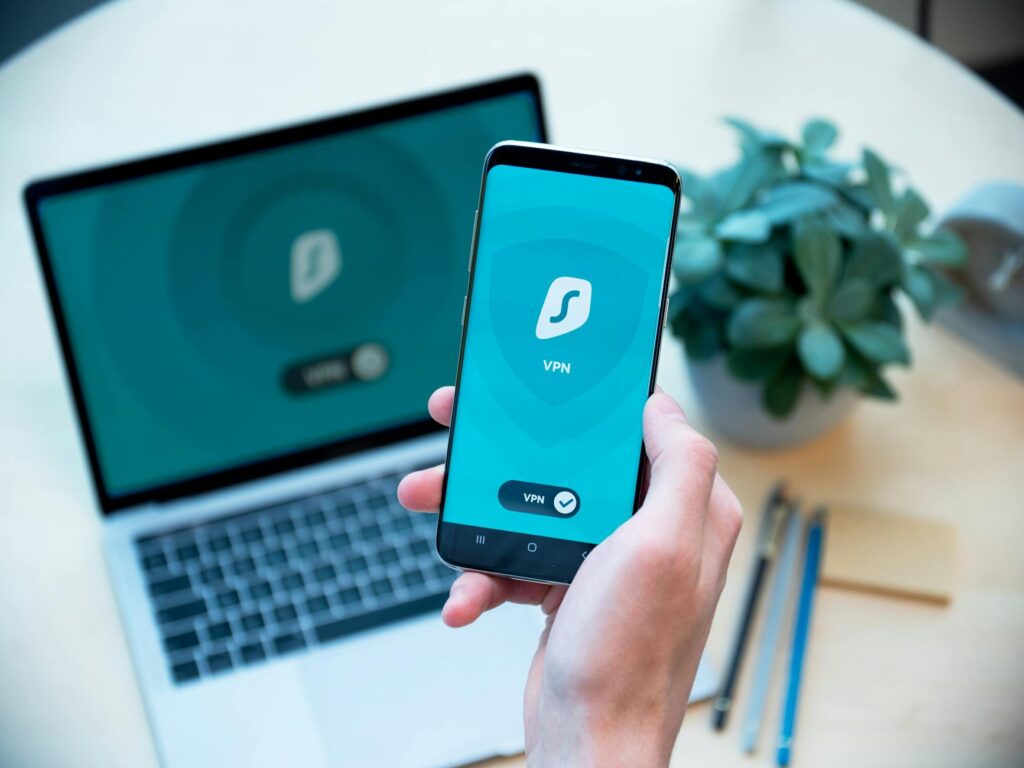
A Virtual Private Network (VPN) is a highly effective tool for preventing ISP tracking. When you connect to a VPN, all your internet traffic is encrypted and routed through a server operated by the VPN provider. Your ISP then only sees that you’re connected to the VPN server, not the specific websites you’re visiting or the data you’re sending. According to Surfshark.com’s November 2025 report, a VPN hides your IP address and encrypts your traffic, making it difficult for third parties, including your ISP, to monitor your online activities. When choosing a VPN, experts recommend opting for reputable, no-logs providers that have undergone independent audits and have a strong track record of protecting user privacy. Free VPNs often come with hidden costs, such as selling your data — which completely negates their purpose.
As highlighted by Private Internet Access in an October 2025 analysis, it’s important to understand that while HTTPS encrypts the content of your connection to a specific website, it doesn’t always encrypt the initial DNS lookup itself. This means your ISP can still see which websites you’re attempting to visit, even if they can’t see the specific pages or data content. Here’s where encrypted DNS solutions become vital.
Securing Your DNS Queries
DNS (Domain Name System) acts like the internet’s phonebook, translating human-readable website names (like google.com) into the numerical IP addresses that computers use. By default, these DNS queries often go through your ISP’s DNS servers. This means your ISP can see every domain name you attempt to visit, even if the subsequent content is encrypted by HTTPS. Technologies like DNS-over-HTTPS (DoH) and DNS-over-TLS (DoT) encrypt these DNS queries before they leave your device. As Private Internet Access noted in October 2025, using DoH or DoT ensures that your ISP can’t see the domain names you’re requesting, adding a Key layer of privacy protection. Many modern browsers and operating systems now support DoH/DoT, making it easier than ever to implement.
The distinction between HTTPS and VPNs for privacy is Key. While HTTPS encrypts the communication between your browser and the website’s server, it doesn’t hide the fact that you’re visiting that website from your ISP. A VPN, But — encrypts all your internet traffic, including DNS requests, and routes it through a remote server, effectively masking your IP address and online activities from your ISP. According to Private Internet Access’s October 2025 discussion on HTTPS vs. VPN, a VPN provides a more complete privacy solution against ISP surveillance.
Browser Settings: Your First Line of Defense
Your web browser is a primary tool for your online activity, and its settings play a significant role in your privacy. Taking the time to configure these settings can make a substantial difference in limiting the data collected about you.
Privacy Settings You Can’t Ignore
Most modern browsers offer solid privacy settings that users should regularly review and configure. This includes disabling third-party cookies, enabling built-in tracking protection features (which block known trackers and scripts), and setting your browser to send a ‘don’t Track’ request. While ‘don’t Track’ isn’t universally honored by all websites, it’s a signal of your intent and is still a recommended setting. As reported by PCMag in November 2025, many secure browsers offer enhanced privacy features that go beyond default settings, such as stricter cookie controls and built-in tracker blocking.
The Power of Private Browsing Modes
Features like Chrome’s Incognito mode, Firefox’s Private Browsing, or Edge’s InPrivate mode offer a temporary layer of privacy. When you use these modes, your browser typically won’t save your browsing history, cookies, site data, or information entered into forms on your local device. However, it’s critical to understand that these modes don’t make you anonymous online. Your ISP can still see your internet activity, and websites you visit can still track your IP address. ESET, in its June 2025 explanation of Incognito Mode, emphasizes that these modes primarily limit local data storage, not network-level surveillance.
For enhanced privacy beyond what standard private browsing offers, consider using privacy-focused browsers. CloudSEK’s January 2026 review of secure browsers highlighted several options that offer advanced privacy features, such as enhanced fingerprinting protection and built-in ad and tracker blockers — which can further limit online tracking.
Beyond the Browser: Operating System & Device Settings
Privacy extends beyond your web browser. Your operating system (Windows, macOS, Linux, Android, iOS) and individual devices also collect data. It’s essential to review their privacy settings.
- Location Services: Disable location services for apps and websites that don’t require them.
- Advertising IDs: On mobile devices, reset your advertising ID regularly or opt out of ad personalization.
- App Permissions: Review the permissions granted to each app and revoke any that seem unnecessary or intrusive.
- Sync Settings: Be mindful of cloud sync settings for browsing history, passwords, and other sensitive data.
For instance, on Windows, you can adjust privacy settings under the ‘Privacy &. security’ section to control diagnostic data, location tracking, and advertising ID usage. Similarly, macOS and mobile operating systems offer granular controls over app permissions and data sharing.
Common Mistakes to Avoid
Many users make common mistakes that undermine their privacy efforts:
- Ignoring Free VPNs: As mentioned, free VPNs often have questionable privacy practices, including logging and selling user data.
- Over-relying on Incognito Mode: Believing Incognito mode offers true anonymity is a significant misconception.
- Not Updating Software: Outdated browsers, operating systems, and VPN clients can have security vulnerabilities that expose your data.
- Using Public Wi-Fi Unprotected: Public Wi-Fi networks are often unencrypted and a hotbed for snooping. Always use a VPN on public networks.
- Weak Passwords: While not directly ISP tracking, weak passwords make your accounts vulnerable, indirectly exposing personal information.
Real-World Scenarios: How to Stay Private
Imagine you’re researching sensitive health information. Without proper precautions, your ISP could log these searches, potentially leading to targeted advertising or even data breaches if their systems are compromised. By using a VPN and encrypted DNS, your ISP only sees encrypted traffic going to a VPN server, not the specific health websites you’re visiting.
Another scenario: you’re conducting online banking or shopping. While HTTPS encrypts the transaction details, your ISP still sees the domain name of the bank or store. Using a VPN adds another layer, masking this information from your ISP. PCMag’s review of secure browsers in November 2025 highlighted how these tools, combined with VPNs and secure DNS, create a powerful defense against pervasive online tracking.
Consider your location. If you’re traveling and using hotel Wi-Fi, a VPN is indispensable. Techdayhq.com’s December 2025 list of top VPN servers for Indonesia, for instance, points to the global need for secure internet access, especially in regions with varying levels of internet freedom and privacy regulations.
Frequently Asked Questions About ISP Tracking Prevention
Is it illegal for my ISP to track me?
Whether it’s illegal depends heavily on your geographic location and the specific data being collected. In many regions, ISPs are legally permitted to collect and retain user data for a certain period, often for regulatory compliance or law enforcement. However, the monetization and sale of this data to third parties are often subject to stricter regulations and consumer protection laws. Always consult the privacy policies of your ISP and understand the laws applicable in your region.
Can a VPN truly make me anonymous online?
A VPN enhances your online privacy by encrypting your traffic and masking your IP address from your ISP and the websites you visit. However, true anonymity is very difficult to achieve. Factors like browser fingerprinting, website cookies, and your own online behavior (e.g., logging into accounts) can still identify you. A VPN is a powerful tool for privacy, but it’s not a magic bullet for complete anonymity.
Does using HTTPS prevent ISP tracking?
HTTPS encrypts the content of your connection to a specific website, meaning your ISP can’t see the specific data exchanged between you and the site (like passwords or credit card numbers). However, your ISP can still see the domain name of the website you’re visiting and the amount of data transferred. It doesn’t hide your browsing activity from your ISP, only the specifics of the content. As Private Internet Access noted in October 2025, it’s a vital layer of security but not a complete solution for ISP tracking prevention.
What are the risks of using a free VPN?
Free VPNs often come with significant privacy risks. They may log your browsing activity and sell it to advertisers, inject ads into your browsing sessions, have weak security protocols, or even contain malware. Since running a VPN service incurs costs, services that are free to users often recoup their expenses through user data. It’s generally recommended to use reputable paid VPN services with clear no-logs policies.
How can I check if my ISP is tracking me?
Directly proving ISP tracking can be challenging as they operate the network infrastructure. However, you can infer potential tracking by observing highly specific targeted ads that correlate with your browsing history, especially after researching sensitive topics. Using tools like VPNs and encrypted DNS, and then checking if your traffic is properly anonymized (e.g., your ISP sees only VPN traffic), is the best proactive approach. Monitoring your IP address and checking for unusual activity can also provide clues, though this is more complex.
Wrapping It Up: Take Back Your Privacy
In 2026, preventing ISP tracking is more relevant than ever. Your Internet Service Provider has a unique and extensive view of your online life. By understanding their capabilities and implementing a multi-layered approach—using quality VPNs, enabling DNS encryption, configuring browser and device settings diligently, and avoiding common pitfalls—you can reduce your digital footprint and reclaim your online privacy. Staying informed and proactive is key to maintaining control over your personal data in an increasingly connected world.


