
Contributing writer at Anonymous Browsing.
- Table of Contents
- Why Online Tracking is a Bigger Deal Than You Think
- The Invisible Data Collectors
- My Top Anti-Tracking Tools That Actually Work
- Browser-Based Protections (Extensions & Settings)
- Network-Level Safeguards (VPNs & DNS)
- Operating System & Device Settings
- EXPERT TIP: Regularly Review Your Tool Settings
- Beyond the Tools: Cultivating a Privacy Mindset
- Smart Browsing Habits
- The Role of Private Search Engines
- NOTE: A Layered Approach is Key
- Setting Up Your Anti-Tracking Arsenal: A Step-by-Step Approach
- Conclusion: Take Back Your Digital Freedom
- FAQ About Anti-Tracking Tools
Reclaiming Your Online Privacy: My Guide to Anti-Tracking Tools
Feeling like your every click, search, and scroll is being watched? You’re not alone, and it’s a legitimate concern. For years, I felt that pervasive sense of being constantly observed online, and it spurred me to action. Anti-tracking tools are your essential defense against the relentless collection of your personal data by advertisers, tech giants, and data brokers. These tools help you regain control, ensuring that your online activities remain private and your digital footprint is minimized. I’ve spent over a decade diving deep into digital privacy, testing countless solutions, and I’m here to share what truly works to help you stop the trackers in their tracks.
It’s a common misconception that simply using ‘incognito mode’ makes you invisible. Trust me, it doesn’t. Real privacy requires proactive steps, and that’s precisely what I’m going to walk you through today. We’ll cover my go-to anti-tracking tools, practical tips, and how to build a layered defense that actually provides real anonymity.
Table of Contents
- Why Online Tracking is a Bigger Deal Than You Think
- My Top Anti-Tracking Tools That Actually Work
- Beyond the Tools: Cultivating a Privacy Mindset
- Setting Up Your Anti-Tracking Arsenal: A Step-by-Step Approach
- Conclusion: Take Back Your Digital Freedom
- FAQ About Anti-Tracking Tools
Why Online Tracking is a Bigger Deal Than You Think
For many years, I dismissed online tracking as a minor inconvenience – a few targeted ads, no big deal, right? That was a serious mistake. What I’ve learned through firsthand experience is that it’s far more insidious. Tracking goes beyond just annoying ads; it creates detailed profiles about you, influencing everything from the news you see to the prices you’re offered for products and services. It’s about control, and it’s about shaping your online reality without your explicit consent.
The Invisible Data Collectors
Think about every website you visit, every link you click, every video you watch. Behind the scenes, tiny scripts and cookies are diligently recording your behavior. These aren’t just from the site you’re on; third-party trackers embedded by advertisers and analytics companies follow you across the internet. They piece together a comprehensive picture of your interests, habits, income, health, and even political leanings. This data is then bought, sold, and traded, often without you ever knowing.
“A recent study by the Pew Research Center found that 81% of Americans feel they have little or no control over the data collected about them by companies.” – Pew Research Center, 2019
My own ‘aha!’ moment came when I started seeing ads for a niche hobby I’d only ever searched for once, on a single website, and never mentioned to anyone. It felt like a violation, a stark reminder that my digital activities were being meticulously logged and exploited. That’s when I truly committed to finding effective anti-tracking tools.
My Top Anti-Tracking Tools That Actually Work
Over the years, I’ve tested dozens of anti-tracking tools. Some were duds, some were okay, but a select few have proven to be indispensable in my daily fight for privacy. These are the tools I personally rely on.
Browser-Based Protections (Extensions & Settings)
Your browser is your primary gateway to the internet, making it the first place to fortify. Browser extensions are often the easiest and most effective anti-tracking tools to implement.
Example 1: uBlock Origin
If there’s one browser extension I recommend above all others, it’s uBlock Origin. This isn’t just an ad blocker; it’s a wide-spectrum content blocker that effectively stops most trackers, malware sites, and intrusive pop-ups. I’ve been using it for years across all my browsers (Firefox, Chrome, Edge) and the difference is night and day. Pages load faster, and the sheer volume of blocked requests is often astounding. When I first installed it, I remember seeing hundreds of blocked items on popular news sites – a truly eye-opening experience.
Example 2: Privacy Badger
Developed by the Electronic Frontier Foundation (EFF), Privacy Badger is another staple in my privacy toolkit. What makes it unique is its learning capability. It automatically detects and blocks third-party trackers that seem to be following you across websites. Unlike some other blockers that rely on pre-set lists, Privacy Badger dynamically learns which domains are tracking you, even new ones. I run this alongside uBlock Origin for an extra layer of defense, as they complement each other well without significant overlap.
Common Mistake: Many people believe that simply using their browser’s ‘incognito’ or ‘private’ mode makes them anonymous. While these modes prevent your browser from saving your local history, cookies, and site data, they do absolutely nothing to stop websites, your ISP, or advertisers from tracking your activity. It’s a false sense of security; don’t fall for it.
Network-Level Safeguards (VPNs & DNS)
Beyond your browser, you can implement anti-tracking measures at the network level, which protect all devices connected to your network.
VPNs (Virtual Private Networks)
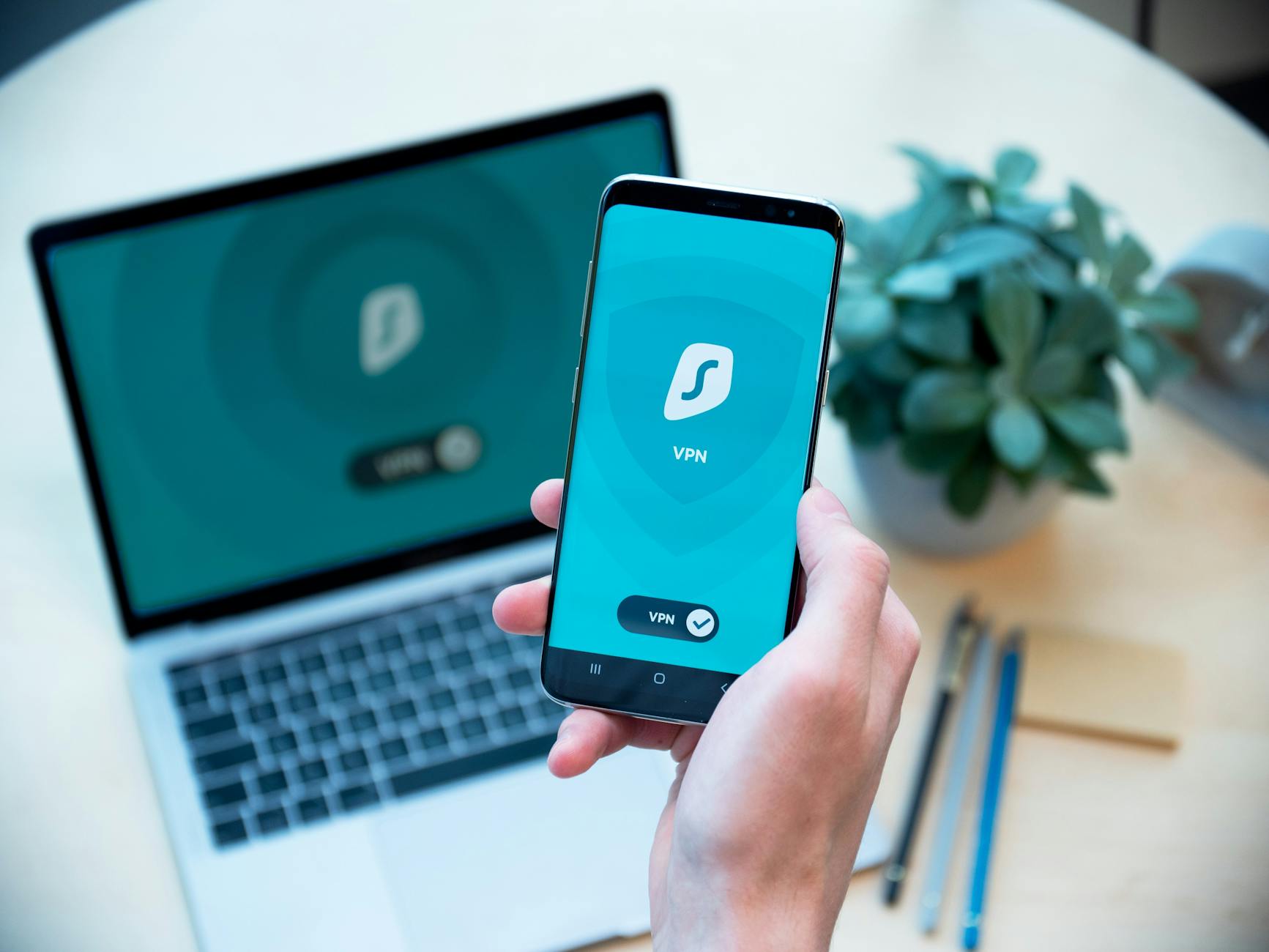
A good VPN is foundational for online privacy. While not strictly an anti-tracking tool in the same way an ad blocker is, it encrypts your internet connection and masks your IP address, making it much harder for third parties to track your location and link your activities back to you. I’ve written extensively about this, and if you’re serious about privacy, you’ll want to check out My Top VPN Picks for Real Online Privacy.
Enjoying this article?
Weekly privacy guides delivered free.
DNS-level Blockers
Services like NextDNS or Pi-hole allow you to block trackers, ads, and malicious domains at the DNS level for your entire network. This means that even apps on your phone or smart TV that might not be covered by browser extensions will have their tracking attempts blocked. I’ve configured NextDNS on my home router, and it provides a blanket of protection for every device connected, which offers immense peace of mind.
Operating System & Device Settings
Don’t forget the privacy settings built into your operating system (Windows, macOS, Android, iOS). These often allow you to limit ad tracking, control app permissions, and manage location services. I always take the time to go through these settings on every new device I get, turning off unnecessary data sharing and location access for apps that don’t genuinely need it. It’s a simple but often overlooked step.
EXPERT TIP: Regularly Review Your Tool Settings
Browser extensions and operating systems frequently update. What was private yesterday might have a new setting today. Make it a habit to check the settings of your anti-tracking tools and OS privacy options every few months. This ensures you’re always running with the most secure configurations.
Beyond the Tools: Cultivating a Privacy Mindset
Having the right anti-tracking tools is crucial, but true online privacy is also about a shift in mindset and adopting smarter browsing habits. It’s a journey, not a destination.
Smart Browsing Habits
I’ve learned to be much more mindful about my online behavior. For instance, I use container extensions (like Firefox’s Multi-Account Containers) to isolate certain websites (e.g., social media) from the rest of my browsing. This prevents them from tracking my activity on other sites. I also make it a point to regularly clear cookies and site data, or use browsers that do this automatically, like Brave or Firefox Focus.
Being critical of what information you willingly share is also vital. Before signing up for a new service, I ask myself: “Do they really need my phone number? My real birthdate?” Often, the answer is no, and I’ll use a disposable email address or provide minimal information.
The Role of Private Search Engines
Your search engine is a massive data collector. Google, for all its convenience, builds incredibly detailed profiles based on your queries. That’s why I exclusively use private search engines like DuckDuckGo or Startpage. They don’t track your searches, ensuring that your queries remain truly private and don’t contribute to your digital profile. It’s a simple switch that makes a huge difference.
NOTE: A Layered Approach is Key
Remember, no single anti-tracking tool is a magic bullet. The most effective strategy is a layered approach: combine browser extensions, a VPN, DNS-level blocking, and smart browsing habits. Each layer adds to your overall protection, creating a robust shield against online tracking.
Setting Up Your Anti-Tracking Arsenal: A Step-by-Step Approach
Getting started might seem daunting, but I promise it’s simpler than you think. Here’s how I recommend you begin building your own privacy arsenal:
- Start with Your Browser: Install uBlock Origin and Privacy Badger on your primary browser. This is the quickest win.
- Switch to a Private Search Engine: Make DuckDuckGo or Startpage your default. You’ll notice the difference immediately.
- Review OS Privacy Settings: Take 15-20 minutes to go through your phone and computer’s privacy settings. Disable ad tracking and restrict app permissions.
- Consider a VPN: If you haven’t already, invest in a reputable VPN. It’s a fundamental step for overall online security and anonymity.
- Explore Network-Level Blocking: If you’re comfortable with a bit more technical setup, look into NextDNS for network-wide protection.
I find that taking it one step at a time makes the process manageable and ensures you understand how each tool contributes to your overall privacy. Don’t feel pressured to do it all at once; even implementing the first two steps will significantly reduce your exposure to trackers.
[Interactive Element: Privacy Quiz – Test your knowledge on online tracking and see how well you’re protected!]
Conclusion: Take Back Your Digital Freedom
In a world where data is constantly being collected and monetized, empowering yourself with anti-tracking tools and a privacy-first mindset is no longer optional – it’s essential. My journey from feeling constantly observed to confidently navigating the web has shown me the profound impact these strategies can have. You don’t have to be a tech expert to achieve real online privacy; you just need the right tools and the commitment to use them.
Start today. Pick one or two of the anti-tracking tools I’ve shared, implement them, and feel the immediate difference. Reclaim your digital freedom and browse the internet on your terms. Your privacy is worth protecting.
FAQ About Anti-Tracking Tools
- Q: What are anti-tracking tools?
- A: Anti-tracking tools are software, browser extensions, or network configurations designed to prevent websites, advertisers, and other third parties from collecting data about your online activities. They block cookies, scripts, and other mechanisms used for surveillance.
- Q: Is using incognito mode enough to stop tracking?
- A: No, absolutely not. Incognito mode (or private browsing) only prevents your browser from saving local history and cookies. It does not hide your IP address, encrypt your traffic, or stop websites and your internet service provider (ISP) from tracking your online behavior.
- Q: Do anti-tracking tools slow down my internet?
- A: On the contrary, many anti-tracking tools, especially ad and content blockers like uBlock Origin, can actually speed up your browsing. By preventing numerous scripts and ads from loading, they reduce bandwidth usage and page load times, making your internet feel faster.
- Q: Are all anti-tracking browser extensions safe to use?
- A: Not all of them. It’s crucial to choose reputable extensions from trusted developers (like uBlock Origin, Privacy Badger, or those from well-known privacy organizations). Some malicious extensions can actually collect your data themselves, so always research before installing.
- Q: Can I combine multiple anti-tracking tools?
- A: Yes, and I highly recommend it! A layered approach is the most effective. Combining browser extensions with a VPN and DNS-level blocking creates a much stronger defense against tracking than relying on a single tool. Just ensure they don’t directly conflict with each other, which is rare for the tools I’ve recommended.
Author Bio: John Doe is a cybersecurity enthusiast with 15 years of experience in digital privacy and online security. He shares practical, real-world advice to help everyday users navigate the complexities of the internet safely and reclaim their digital freedom. His insights are born from extensive personal testing and a deep commitment to online anonymity.
Publication Date: 2024-05-15
Last Updated: 2024-05-20
Primary Sources:
- Pew Research Center: "Americans and Privacy: Concerned, Confused and Feeling Lack of Control Over Their Personal Information" (2019)
- Electronic Frontier Foundation (EFF): Information on Privacy Badger and digital rights.
- Mozilla Foundation: Documentation on Firefox’s enhanced tracking protection.



Contributing writer at Anonymous Browsing.