
Data Protection for Beginners: Your 2026 First Steps
Your online life is a goldmine, and sadly, not just for you. Every click, search, and purchase leaves a digital breadcrumb. For beginners just starting to grasp data protection, it can feel like staring at a wall of jargon. But here’s the deal: protecting your personal information isn’t some arcane tech wizardry. it’s practical stuff anyone can do. It’s about taking control of who sees your data and how it’s used. Don’t let the complexity scare you off. Let’s break it down, step-by-step, so you can actually start safeguarding your digital self. (Source: consumer.ftc.gov)
Latest Update (April 2026)
As of April 2026, the digital landscape continues to evolve rapidly, making data protection more critical than ever. Recent reports highlight the increasing sophistication of cyber threats, emphasizing the need for solid personal data security measures. For instance, CNET’s recent review of VPN services in April 2026 highlights the growing importance of reliable Virtual Private Networks for everyday internet users, especially as public Wi-Fi remains a common vector for data breaches. Similarly, The New York Times’ coverage of the best first phones for kids in 2026 touches upon the foundational data privacy considerations parents must address from the outset of their children’s digital journey. The ongoing discussion around cybersecurity skills, as noted by Simplilearn.com and Forbes, also signals a societal shift towards proactive data defense and awareness.
Table of Contents
- what’s Data Protection, Really?
- Why Bother With Data Protection? It Matters More Than You Think
- Understanding Your Digital Footprint
- Essential Data Protection Tools for Beginners
- Actionable Data Protection Tips You Can Use Today
- Mistakes Beginners Make (and How to Avoid Them)
- Frequently Asked Questions
what’s Data Protection, Really?
At its core, data protection is about keeping your personal information safe and private. Think of it as locking your front door, but for your digital life. It involves practices and technologies designed to prevent unauthorized access, modification, disclosure, or destruction of your data. For beginners, this means understanding what data you generate online and taking steps to control it. It’s not just about preventing hackers. it’s also about managing how companies collect and use the information you share. In 2026, this includes navigating an ever-growing array of connected devices and smart home technologies that continuously collect data.
Why Bother With Data Protection? It Matters More Than You Think
You might be thinking, “I don’t have anything sensitive to hide.” That’s a common, and frankly, dangerous misconception. Your data is valuable. It’s used to build profiles for targeted advertising, sometimes influencing purchasing decisions or even shaping your news feed. Worse, if your data falls into the wrong hands, it can lead to identity theft, financial fraud, or even blackmail. Remember the massive Equifax breach in 2017? While that was years ago, the threat landscape has only intensified. As CNET reported in April 2026, choosing the right VPN is essential for privacy, highlighting that even seemingly mundane online activities can expose personal information. The potential for data misuse extends beyond financial harm. it can impact your reputation and even your safety.
Global regulations like the General Data Protection Regulation (GDPR) in Europe and similar frameworks like the California Consumer Privacy Act (CCPA) in the United States have evolved granting individuals more rights over their data. These laws aren’t just legal jargon. they empower you to understand, access, and request deletion of your personal information. Understanding data protection in 2026 isn’t just good practice. it’s increasingly recognized as a fundamental right necessary for digital autonomy.
Understanding Your Digital Footprint
Every time you go online, you leave traces. This collection of data is your ‘digital footprint.’ It includes everything from the websites you visit and the searches you make to the photos you upload and the comments you leave on social media. You’ll find two primary types of digital footprints:
- Active footprint: This is data you intentionally share, such as posting on social media platforms, sending emails, filling out online forms, or creating profiles on new services.
- Passive footprint: This is data collected without your direct knowledge or active consent, such as your IP address, browsing history tracked by cookies, location data obtained from mobile apps, and data collected by smart devices in your home.
For beginners, the key realization is how much passive data is being collected without you even noticing. Apps on your smartphone, website cookies, browser fingerprinting techniques, and your Internet Service Provider (ISP) all contribute to this ever-expanding footprint. The more aware you’re of what data is being collected and by whom, the better equipped you’re to manage and limit its scope.
Essential Data Protection Tools for Beginners
You don’t need to be a tech guru to implement effective data protection measures. Here are several essential tools and services that beginners can easily adopt in 2026:
Tools to Consider
- Password Managers: Tools like Bitwarden (highly recommended for its open-source nature and affordability) or 1Password help you generate, store, and manage strong, unique passwords for every online account. Here’s a critical defense against credential stuffing attacks — where compromised passwords from one site are used to access others. According to recent user reviews, these tools reduce the risk of account takeovers.
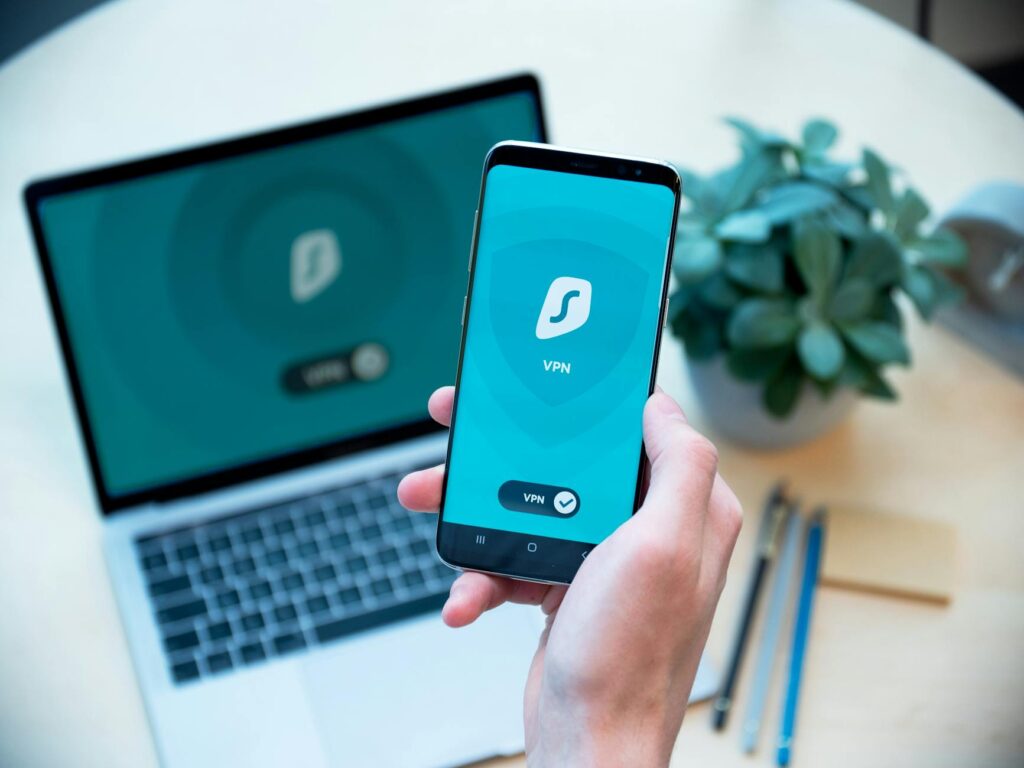
- Virtual Private Networks (VPNs): Services such as NordVPN, ExpressVPN, or Surfshark encrypt your internet traffic and mask your IP address. As CNET highlighted in their April 2026 review, VPNs are especially vital when using public Wi-Fi networks, adding a solid layer of privacy between your online activities and potential eavesdroppers, including your ISP.
- Two-Factor Authentication (2FA) Apps: Applications like Google Authenticator, Authy, or Microsoft Authenticator add an extra layer of security to your logins. They generate time-sensitive codes that you need Besides your password, making it harder for unauthorized individuals to access your accounts, even if your password is compromised.
- Privacy-Focused Browsers and Extensions: Browsers like Brave block trackers and ads by default. For other browsers, extensions such as Privacy Badger (from the Electronic Frontier Foundation) and uBlock Origin can be installed to block intrusive advertisements and tracking scripts across websites, thereby reducing your passive digital footprint.
- Secure Email Services: Consider using encrypted email providers like ProtonMail or Tutanota for sensitive communications. These services offer end-to-end encryption, ensuring that only you and the intended recipient can read your messages.
Things to Watch Out For
- Free VPNs: Many free VPN services generate revenue by collecting and selling user data or displaying intrusive advertisements. it’s generally advisable to opt for reputable, paid VPN services.
- Over-Reliance on One Tool: No single tool provides complete protection. A layered approach combining multiple tools and good security practices is most effective.
- Complex Setup: Some security tools can be intimidating. Prioritize user-friendly interfaces designed with beginners in mind.
Comparing Data Protection Approaches
Let’s examine two common methods for enhancing online privacy, especially relevant for beginners in 2026:
| Approach | How it Works | Pros | Cons | Best For |
|---|---|---|---|---|
| Using a VPN | Encrypts your internet connection and masks your IP address. | Masks online activity from ISP and public Wi-Fi eavesdroppers. Enhances anonymity. Allows bypassing geo-restrictions. | Can slow down internet speed. Some VPNs log user activity (choose reputable ones!). Doesn’t protect against website tracking via cookies or account logins. Involves a subscription cost. | Users frequently on public Wi-Fi, those wanting to hide browsing from their ISP, or accessing geo-restricted content. |
| Using Privacy Extensions | Blocks trackers, ads, and scripts that follow you across websites. | Reduces passive data collection by advertisers and data brokers. Can improve website loading speeds. Minimal cost (often free). | Doesn’t encrypt your entire internet connection. Effectiveness can vary depending on the extension and website. Requires installation on each browser. | Users who want to reduce online tracking while browsing and improve page load times. |
| Implementing 2FA | Requires a second form of verification beyond a password for account access. | enhances account security against unauthorized access. Widely supported by major online services. | Can add a slight delay to login processes. Requires managing an authenticator app or receiving codes. | All users with online accounts, especially those handling sensitive information or financial data. |
Actionable Data Protection Tips You Can Use Today
Implementing data protection doesn’t have to be complicated. Here are practical steps you can take right now:
- Strengthen Your Passwords: Use a password manager to create long, complex, and unique passwords for every account. Avoid reusing passwords across different services. Consider using passphrases (a sequence of words) for added complexity.
- Enable Two-Factor Authentication (2FA): Turn on 2FA wherever it’s offered, especially for email, banking, and social media accounts. Prioritize authenticator apps over SMS-based 2FA, as SMS can be vulnerable to interception.
- Be Wary of Public Wi-Fi: Avoid accessing sensitive accounts (like banking or email) on unsecured public Wi-Fi networks. If you must use public Wi-Fi, always use a VPN.
- Review App Permissions: On your smartphone, regularly check and adjust the permissions granted to each app. Limit access to location, contacts, microphone, and camera to only those apps that absolutely require them for their function.
- Adjust Social Media Privacy Settings: Take time to review and configure the privacy settings on all your social media accounts. Limit who can see your posts, tag you, or find your profile.
- Be Skeptical of Phishing Attempts: Be cautious of unsolicited emails, text messages, or calls asking for personal information. Look for warning signs like poor grammar, urgent requests, or suspicious links/attachments. If in doubt, contact the organization directly through their official channels.
- Secure Your Home Wi-Fi: Change the default password on your home router and use strong WPA3 encryption if available.
- Limit Data Sharing: Think twice before providing personal information online. Only share what’s necessary, and be mindful of privacy policies.
- Keep Software Updated: Ensure your operating system, web browser, and all applications are updated regularly. Updates often include critical security patches that protect against known vulnerabilities.
Mistakes Beginners Make (and How to Avoid Them)
Even with the best intentions, beginners often stumble into common data protection pitfalls. Being aware of these can help you steer clear:
- Using Weak or Reused Passwords: This is the most common mistake. Attackers can easily guess simple passwords or use credentials leaked from one breach to access other accounts. Avoidance: Use a password manager and enable 2FA.
- Ignoring Software Updates: Outdated software is a prime target for cybercriminals exploiting known security flaws. Avoidance: Enable automatic updates for your operating system and applications whenever possible.
- Oversharing on Social Media: Posting too much personal information (like your birthdate, address, or vacation plans) can provide valuable data for identity thieves or social engineers. Avoidance: Adjust privacy settings and be mindful of what you share publicly.
- Clicking Suspicious Links or Downloading Attachments: Phishing attacks often rely on users clicking malicious links or opening infected files. Avoidance: Be highly skeptical of unsolicited communications and verify the sender before clicking or downloading.
- Not Using a VPN on Public Wi-Fi: Public Wi-Fi is notoriously insecure, making your data vulnerable to interception. Avoidance: Always use a VPN when connecting to public Wi-Fi.
- Believing “Nothing to Hide”: This mindset leads to complacency. Even seemingly innocuous data can be aggregated and used in ways you wouldn’t expect, from targeted manipulation to identity fraud. Avoidance: Understand that all data has value and requires protection.
- Forgetting About IoT Devices: Smart home devices (speakers, cameras, thermostats) can be entry points for attackers if not secured properly. Avoidance: Change default passwords, keep firmware updated, and limit network access for these devices.
Frequently Asked Questions
what’s the most important data protection step for a beginner?
The single most impactful step for beginners is to implement strong, unique passwords for every account, ideally managed by a password manager, and to enable Two-Factor Authentication (2FA) wherever possible. These two actions provide a significant barrier against common account takeover attempts.
How can I protect my privacy when browsing the web?
To protect your privacy while browsing, consider using a privacy-focused browser like Brave, installing extensions like Privacy Badger and uBlock Origin, using a reputable VPN (especially on public Wi-Fi), and regularly clearing your browser’s cookies and cache. Limiting your digital footprint by being mindful of the websites you visit and the information you share is also key.
Is a VPN really necessary in 2026?
While not strictly mandatory for everyone, a VPN is highly recommended in 2026, especially if you frequently use public Wi-Fi, want to shield your browsing activity from your ISP, or wish to access geo-restricted content. As CNET’s recent analysis shows, choosing a reliable VPN service is Key for effective privacy protection.
How do I know if my data has been compromised?
You might be notified directly by a company if a breach affects your data. You can also use services like ‘Have I Been Pwned?’ (haveibeenpwned.com) to check if your email address or phone number has appeared in known data breaches. Regularly monitoring your financial accounts for suspicious activity is also a good practice.
What’s the difference between data protection and cybersecurity?
Data protection In particular focuses on safeguarding personal information from unauthorized access, use, disclosure, alteration, or destruction, ensuring privacy and compliance with regulations. Cybersecurity is a broader field encompassing the protection of computer systems, networks, and data (which includes personal data) from digital attacks, damage, or theft. Data protection is a Key component of overall cybersecurity.
Conclusion
Data protection for beginners in 2026 is an essential skill for digital world safely. By understanding your digital footprint, utilizing key tools like password managers and VPNs, and adopting proactive habits such as enabling 2FA and reviewing app permissions, you can enhance your online security and privacy. Staying informed about evolving threats and best practices is an ongoing process, but by taking these first steps, you’re well on your way to safeguarding your personal information effectively.


