
ISP Tracking Prevention: My Real-World Guide
To prevent ISP tracking, use a quality VPN, enable DNS-over-HTTPS, configure browser privacy settings, and regularly clear cookies. These steps encrypt your traffic, obscure your browsing history from your internet service provider, and limit data collection, ensuring your online activities remain private and unmonitored. It’s about taking back control of your digital footprint, one practical step at a time.
Let’s be real: in today’s digital world, it often feels like someone’s always looking over your shoulder. Whether it’s advertisers, data brokers, or even governments, our online actions are constantly scrutinized. But there’s one entity that often goes unnoticed, yet holds a front-row seat to almost everything you do online: your Internet Service Provider, or ISP. For 15 years, I’ve navigated the murky waters of online privacy, and trust me, preventing ISP tracking is a battle worth fighting. It’s not just about hiding illicit activities; it’s about personal freedom, protecting sensitive information, and simply not wanting your every click logged and analyzed.
I remember a few years ago, I was researching a very specific, somewhat obscure medical condition for a family member. I typed in some pretty detailed search queries, visited forums, and read countless academic papers. Within days, I started seeing ads for related medical services and products pop up everywhere, even on sites completely unrelated to health. My immediate thought? “My ISP knows.” They might not have known who I was researching for, but they certainly knew I had an interest in that topic. That’s when I truly doubled down on my ISP tracking prevention strategies. And today, I’m going to share my tried-and-true methods with you.
Table of Contents
- Why Does Your ISP Track You Anyway?
- The Big Guns: VPNs and DNS Encryption
- Browser Settings: Your First Line of Defense
- Beyond the Browser: Operating System & Device Settings
- Common Mistakes to Avoid
- Real-World Scenarios: How I Stay Private
- FAQs About ISP Tracking Prevention
- Wrapping It Up: Take Back Your Privacy
Why Does Your ISP Track You Anyway?
First, let’s understand the enemy, or at least the interested party. Your ISP is the gateway to the internet. Every bit of data that flows into and out of your home or device passes through their servers. This gives them a unique vantage point. They can see which websites you visit (though not necessarily the specific pages if they’re encrypted with HTTPS), what time you visit them, how long you stay, and even your approximate location based on your IP address. Why do they do it?
- Data Monetization: Your browsing habits are valuable. ISPs can anonymize and aggregate this data, then sell it to advertisers or market research firms.
- Targeted Advertising: By building a profile of your interests, they can serve you more relevant (and thus more effective) ads.
- Compliance: In some regions, ISPs are legally required to log user activity for a certain period, often for law enforcement purposes.
- Network Optimization: Sometimes, tracking is used to understand traffic patterns and optimize their network, though this is often a secondary benefit.
“A 2017 study found that 79% of Americans were concerned about their internet service provider collecting and selling their personal data.” – EFF on ISP tracking
That statistic resonates with me because I’ve felt that concern firsthand. It’s not paranoia; it’s a legitimate worry about who has access to your digital life.
The Big Guns: VPNs and DNS Encryption
When it comes to serious ISP tracking prevention, these are your heavy hitters. They work by encrypting your internet traffic and routing it through external servers, making it much harder for your ISP to see what you’re doing.
My Go-To VPN Strategy
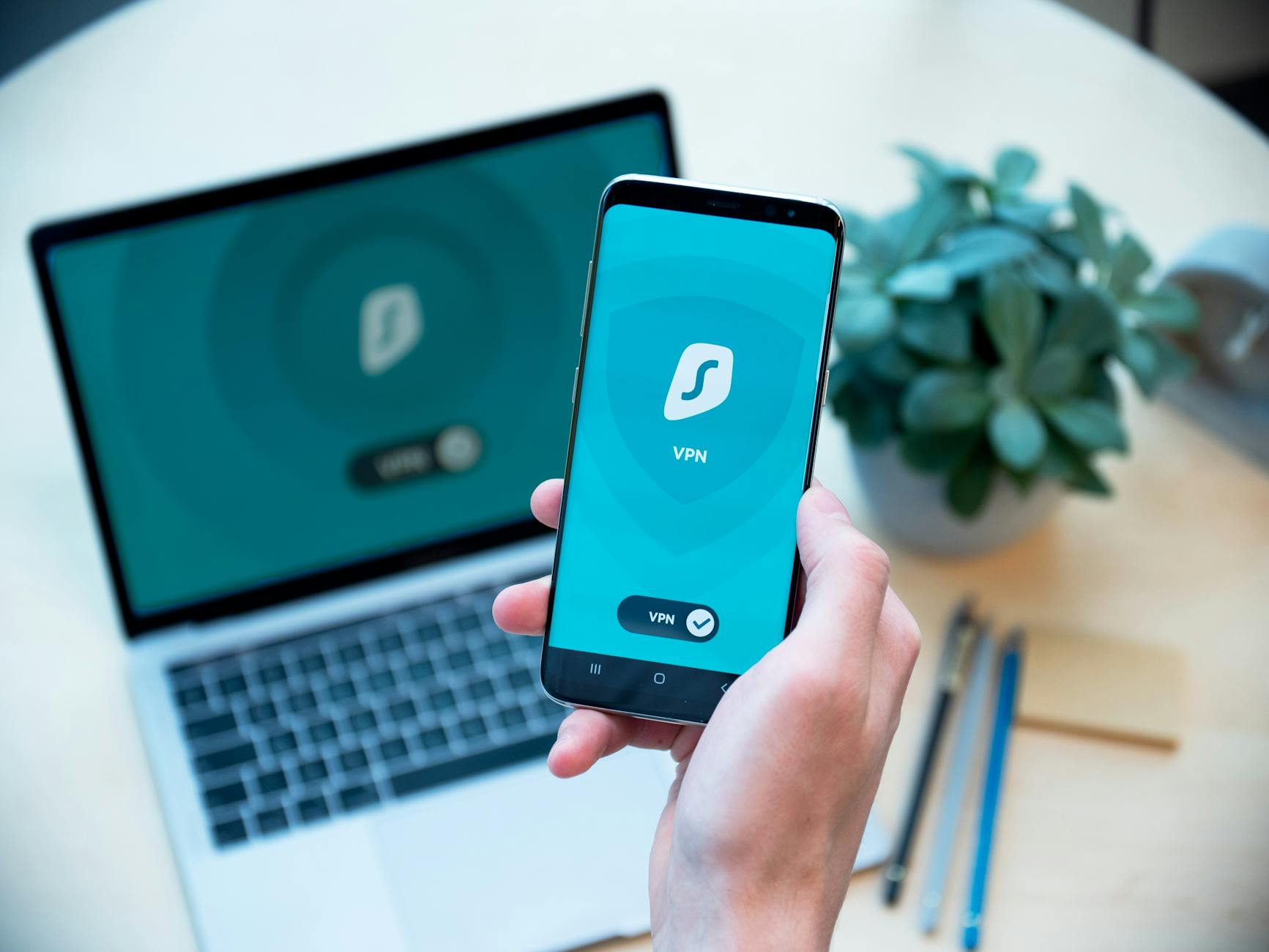
A Virtual Private Network (VPN) is, in my opinion, the single most effective tool for preventing ISP tracking. When you connect to a VPN, all your internet traffic is encrypted and routed through a server operated by the VPN provider. Your ISP then only sees that you’re connected to the VPN server, not the websites you’re visiting or the data you’re sending.
My strategy is simple: I use a reputable, no-logs VPN provider that I pay for. Free VPNs often come with hidden costs, like selling your data, which defeats the entire purpose. I always look for providers that have been independently audited and have a strong track record of protecting user privacy. I’ve personally experimented with many over the years, and finding one that balances speed, security, and privacy features is key. For more on this, you might find my guide on the best VPN for anonymous browsing helpful.
EXPERT TIP: Double-Check Your VPN Settings
Even with a VPN, a “DNS leak” can expose your browsing. Make sure your VPN has built-in DNS leak protection enabled. I always run a quick DNS leak test after connecting to a new server, just to be sure everything is locked down.
Securing Your DNS Queries
DNS (Domain Name System) is like the internet’s phonebook. When you type “google.com” into your browser, your computer sends a DNS query to translate that into an IP address. By default, these queries often go through your ISP’s DNS servers, meaning they see every website you try to visit, even if the content itself is encrypted by HTTPS.
This is where DNS-over-HTTPS (DoH) or DNS-over-TLS (DoT) comes in. These technologies encrypt your DNS queries, preventing your ISP from snooping on them. I’ve configured my browsers and even my router to use a privacy-focused DNS provider like Cloudflare’s 1.1.1.1 or Google’s 8.8.8.8 (though some prefer not to use Google for privacy reasons). It’s a simple change that adds a significant layer of ISP tracking prevention.