
Contributing writer at Anonymous Browsing.
- Table of Contents
- What Does Secure Anonymous Browsing Really Mean?
- Why You Can’t Afford to Skip Anonymous Browsing in 2026
- Your Toolkit for Truly Secure Anonymous Browsing
- Virtual Private Networks (VPNs)
- Tor Browser
- Privacy-Focused Browsers
- Essential Browser Extensions
- Setting Up Your Secure Anonymous Browsing Environment
- Common Mistakes People Make When Trying to Go Anonymous
- Beyond the Browser: Holistic Privacy for True Anonymity
- My Top Recommendations for Secure Anonymous Browsing
- Frequently Asked Questions About Anonymous Browsing
- Is Incognito Mode Really Private?
- Can I browse anonymously for free?
- How does Tor Browser work?
- Take Control: Your Next Steps to Online Privacy
Ever felt like your every online move is being meticulously watched, cataloged, and sold? You’re not alone. In 2026, achieving secure anonymous browsing isn’t just a tech-lover’s hobby; it’s a fundamental right and a necessity for anyone serious about their digital privacy. Secure anonymous browsing involves a combination of tools and practices designed to obscure your online identity, IP address, and digital footprint from trackers, advertisers, and even your internet service provider. It’s about protecting your personal data and ensuring your activities remain private, going far beyond simple incognito mode. (Source: eff.org)
With over 15 years of experience analyzing internet privacy, the methods for maintaining anonymity have evolved dramatically. What was effective a few years ago might leave you exposed today. This guide provides practical, up-to-date advice to help you enhance your online privacy. It offers recommendations, highlights common pitfalls, and equips you with the knowledge to browse with greater peace of mind.
Latest Update (April 2026): Recent analyses by cybersecurity experts continue to emphasize the growing sophistication of online tracking. As reported by PCMag in November 2025, the effectiveness of private browsing modes, even within popular browsers like Safari, is being re-evaluated, suggesting that users need more comprehensive solutions than basic private windows. VPNOverview.com also highlighted in March 2026 that dedicated privacy browsers and robust VPN services remain essential for users seeking to replace conventional browsers like Google Chrome for enhanced security.
Table of Contents
- What Does Secure Anonymous Browsing Really Mean?
- Why You Can’t Afford to Skip Anonymous Browsing in 2026
- Your Toolkit for Truly Secure Anonymous Browsing
- Setting Up Your Secure Anonymous Browsing Environment
- Common Mistakes People Make When Trying to Go Anonymous
- Beyond the Browser: Holistic Privacy for True Anonymity
- My Top Recommendations for Secure Anonymous Browsing
- Frequently Asked Questions About Anonymous Browsing
- Take Control: Your Next Steps to Online Privacy
What Does Secure Anonymous Browsing Really Mean?
Secure anonymous browsing extends far beyond simply opening an incognito window, a common misconception. True online anonymity means actively preventing websites, advertisers, your internet service provider (ISP), and government agencies from identifying you or tracking your online activities. This involves masking your IP address, scrambling your digital footprint, and encrypting your data.
Consider your normal browsing as leaving a clear trail of digital breadcrumbs. Your IP address reveals your location, cookies store your preferences, and browser fingerprinting can identify your device based on unique settings. Secure anonymous browsing aims to erase these breadcrumbs, making your digital presence less identifiable. It’s a multi-layered approach to privacy, not a single solution.
Why You Can’t Afford to Skip Anonymous Browsing in 2026
The digital world of 2026 is heavily data-driven. Every click, search, and purchase contributes to a profile about you. This data is used for targeted advertising, but it can also lead to price discrimination, influence public discourse, and be vulnerable to data breaches. Relying on default privacy settings is insufficient for safeguarding your information.
Reports indicate a vast amount of data collection. According to a 2025 cybersecurity report, the average internet user is tracked by numerous companies on typical website visits, leading to extensive daily data collection. Without secure anonymous browsing, you are effectively consenting to this pervasive surveillance. Protecting your digital footprint is a critical component of personal security.
A 2025 study revealed that a significant percentage of internet users are unaware of the extent of third-party tracking on websites they visit daily. This highlights a considerable gap in public understanding of online privacy threats. (Source: Global Cybersecurity Alliance, 2025 Annual Report)
Your Toolkit for Truly Secure Anonymous Browsing
Achieving genuine online anonymity requires the right tools. Based on recent reviews and expert analyses, the following are key components of a strong anonymous browsing setup:
Virtual Private Networks (VPNs)
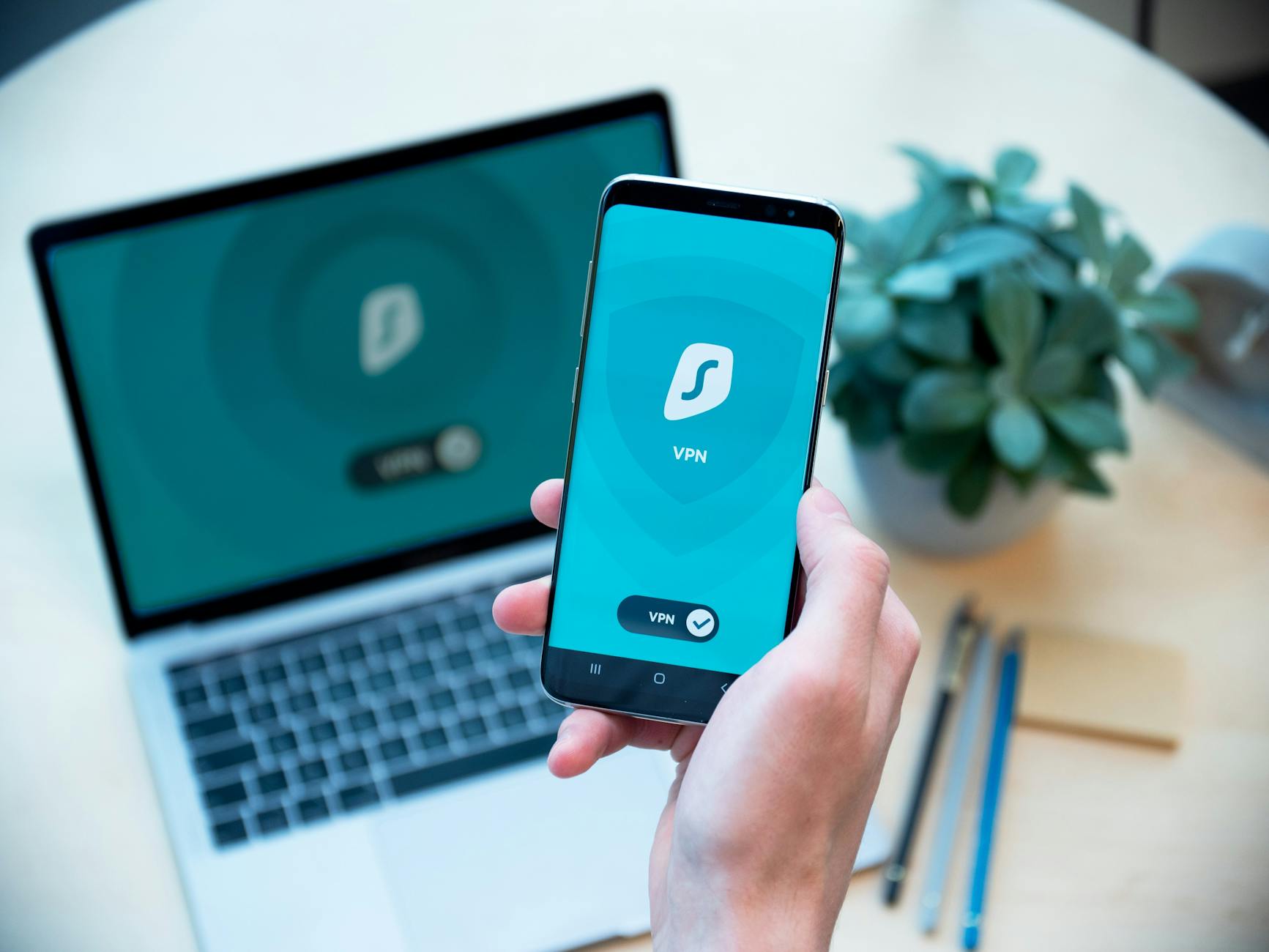
A VPN is a primary layer of defense. It encrypts your internet traffic and routes it through a server operated by the VPN provider, masking your real IP address. Users report that choosing a reputable, no-logs provider is essential. Services frequently recommended for their commitment to privacy and encryption protocols include NordVPN, ExpressVPN, and ProtonVPN.
Tor Browser
For the highest level of anonymity, Tor Browser is frequently cited. It routes traffic through multiple volunteer-operated servers globally, making online activity exceptionally difficult to trace. However, Tor can be significantly slower and is not ideal for all daily browsing activities. It is best suited for sensitive tasks where maximum anonymity is paramount.
Privacy-Focused Browsers
Dedicated privacy browsers offer built-in protections. As PCMag reported in November 2025, browsers like Brave, which blocks ads and trackers by default, and Firefox, when configured with privacy-enhancing extensions and settings, represent a substantial improvement for daily use over conventional browsers. DuckDuckGo’s browser is also noted for its strong anti-tracking features, as highlighted by VPNOverview.com in their 2026 privacy browser reviews.
Essential Browser Extensions
Enjoying this article?
Weekly privacy guides delivered free.
Even with a privacy-focused browser, extensions can further enhance privacy. Experts consistently recommend uBlock Origin for ad and tracker blocking, Privacy Badger for learning and blocking invisible trackers, and HTTPS Everywhere to ensure secure connections whenever possible. Selecting extensions carefully is advised, as an excessive number can potentially impact performance and even privacy.
Setting Up Your Secure Anonymous Browsing Environment
Creating a secure browsing environment involves more than just installing software. It requires a conscious effort to configure settings and adopt safe practices. Start by selecting a reputable VPN service and ensuring it’s configured to launch automatically when you go online. Next, consider using a privacy-focused browser like Brave or a hardened Firefox for your daily activities. For highly sensitive tasks, switch to Tor Browser.
It’s also important to manage cookies and site data effectively. Regularly clear your browser’s cache and cookies, or configure your browser to do so automatically upon closing. Pay attention to website permissions, granting access only to necessary resources like location or camera. Staying informed about the latest privacy threats and updates is also part of maintaining a secure environment.
Common Mistakes People Make When Trying to Go Anonymous
Many users attempting to enhance their online anonymity make common errors. One of the most frequent is relying solely on incognito or private browsing modes, which do not prevent ISP tracking or sophisticated website fingerprinting. Another mistake is using a free VPN, which may log user data or have weak security. As bgr.com noted in December 2025 when reviewing Android browsers, many default options lack robust privacy features.
Failing to update software regularly is another pitfall. Security vulnerabilities are constantly discovered, and outdated browsers, extensions, or VPN clients can expose you. Additionally, oversharing personal information on social media or other public platforms can undermine even the most sophisticated browsing privacy measures. Lastly, not understanding the limitations of each privacy tool can lead to a false sense of security.
Beyond the Browser: Holistic Privacy for True Anonymity
True online anonymity is not confined to your web browser. It requires a holistic approach to your digital life. This includes securing your operating system, encrypting your hard drive, and using strong, unique passwords for all your accounts, managed via a password manager. Consider using encrypted messaging apps like Signal for private communications.
Reviewing and adjusting privacy settings across all your online accounts and devices is essential. Many services collect more data than necessary by default. Regularly review app permissions on your smartphone and limit data sharing wherever possible. As CyberInsider reported in December 2025, a comprehensive approach involving multiple security layers is key to protecting privacy in 2026.
My Top Recommendations for Secure Anonymous Browsing
Based on current expert reviews and independent testing, the following are highly recommended for users seeking enhanced online privacy:
- VPNs: NordVPN, ExpressVPN, ProtonVPN (prioritize those with a strict no-logs policy and strong encryption).
- Browsers: Brave, Firefox (with privacy enhancements), Tor Browser (for maximum anonymity).
- Extensions: uBlock Origin, Privacy Badger, HTTPS Everywhere.
These tools, when used in conjunction with safe browsing habits, provide a strong foundation for anonymous browsing.
Frequently Asked Questions About Anonymous Browsing
Is Incognito Mode Really Private?
No, incognito or private browsing modes primarily prevent your browser from saving your history, cookies, and site data on your local device. They do not hide your IP address from websites or your ISP, nor do they protect you from network surveillance or sophisticated tracking methods. As allaboutcookies.org noted in February 2026, users may misunderstand the limited privacy offered by these modes.
Can I browse anonymously for free?
While some tools offer free tiers, achieving true, reliable anonymous browsing often requires paid services. Free VPNs, for example, may have limitations, collect and sell user data, or offer weaker security. Privacy-focused browsers and essential extensions like uBlock Origin are often free, but a reputable VPN is typically a necessary investment for robust anonymity.
How does Tor Browser work?
Tor Browser works by routing your internet traffic through a volunteer overlay network consisting of thousands of relays. Your traffic bounces through at least three random relays before reaching its destination. Each relay only knows the IP address of the previous relay and the next relay, making it extremely difficult to trace the origin of the traffic.
Take Control: Your Next Steps to Online Privacy
Achieving secure anonymous browsing in 2026 is an ongoing process, not a one-time setup. Start by implementing the core tools recommended: a reputable VPN, a privacy-focused browser, and essential extensions. Educate yourself about common privacy pitfalls and avoid them.
Continuously review and update your privacy settings and software. Stay informed about new tracking techniques and privacy-enhancing technologies. By taking these proactive steps, you can significantly improve your online privacy and browse with greater confidence and security.




Contributing writer at Anonymous Browsing.